The “Fake Job Interview” & GitHub Malware Scam
Risk Level: Critical 🔴
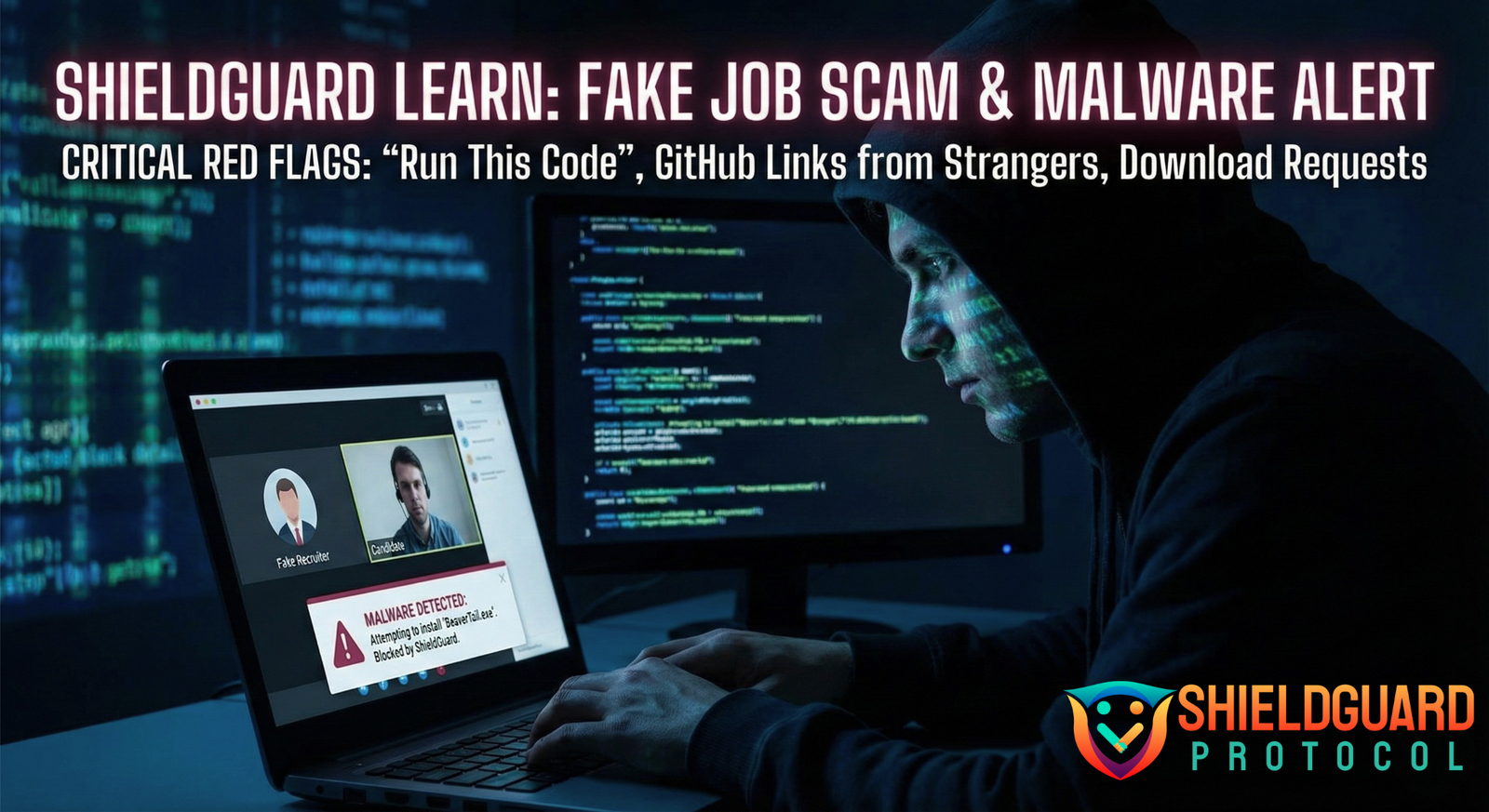
A sophisticated scam campaign (often linked to state-sponsored hackers) is targeting developers and freelancers in the crypto space. Scammers posing as recruiters are using fake job interviews to trick victims into downloading malware that drains crypto wallets instantly.
📝 How the Scam Works
- The Outreach: You receive a DM on X, LinkedIn, or Discord from a “recruiter” offering a high-paying remote Web3 job.
- The “Skill Test”: To proceed, they ask you to complete a coding task. They send a link to a GitHub repository or a zip file and instruct you to “clone and run” the project to fix a bug or add a feature.
- The Execution: The repository looks legitimate (often cloned from a real project). However, hidden deep within the dependency files (like
package.jsonorsetup.py) is a malicious script. - The Infection: When you run the standard build commands (like
npm installornpm start), the malicious script executes silently. - The Drain: The malware (typically BeaverTail or InvisibleFerret) immediately scans your browser for MetaMask, Phantom, and Exodus wallet data. It steals your private keys and session cookies, allowing hackers to drain your funds and access your accounts.
🚩 Critical Red Flags
- “Run This Code”: Legitimate companies rarely ask you to run unverified code on your personal machine for a first-round interview. They usually use platforms like HackerRank or distinct coding environments.
- GitHub Links from Strangers: Be extremely wary of private repositories sent via DM.
- Download Requests: If a “recruiter” asks you to download a specific video chat app or “interview client” because Zoom/Meet “isn’t working,” it is 100% malware.
- Urgency: Pressuring you to complete the task “immediately” to secure the interview slot.
🛡️ ShieldGuard Prevention Guidelines
1. The “Sandbox” Rule (Mandatory for Devs)
- Guideline: Never run untrusted code on your main machine, especially if it holds crypto wallets.
- Action: Use a Virtual Machine (VM), a separate “burner” laptop, or a cloud-based environment (like GitHub Codespaces or Gitpod) to run and test any code sent by a recruiter. If the code is malicious, your main system remains safe.
2. Separate Your Lives
- Guideline: Your “Work/Dev” environment and your “Financial/Crypto” environment should never mix.
- Action: Do not have MetaMask or other wallet extensions installed on the browser/profile you use for coding and testing. Use a dedicated browser or device strictly for crypto transactions.
3. Inspect Before You Install
- Guideline: Don’t just
npm install. - Action: Check the
package.jsonscripts (pre-install, post-install) and any unusual dependencies. Look for obfuscated strings or network calls in the code before executing it.
4. Verify the Recruiter
- Guideline: Scammers impersonate real HR staff.
- Action: Check the recruiter’s profile carefully. Contact the company directly through their official website to verify if the job opening and the recruiter are legitimate.
Stay Alert: If you have run code from a stranger recently, assume your device is compromised. Transfer funds from a different device immediately and wipe the infected machine.
ShieldGuard Protocol: Protecting your journey in the crypto verse.