 ShieldGuard — Hot Wallet Security Checklist
 ShieldGuard — Hot Wallet Security Checklist
 Warning:
Hot wallets (browser extensions, mobile wallets, web wallets) provide convenience but come with significantly weaker security compared to hardware wallets.
ShieldGuard does not recommend storing large amounts of assets in hot wallets.
However, if you must use a hot wallet for trading or daily transactions, follow these security tips to reduce risks:
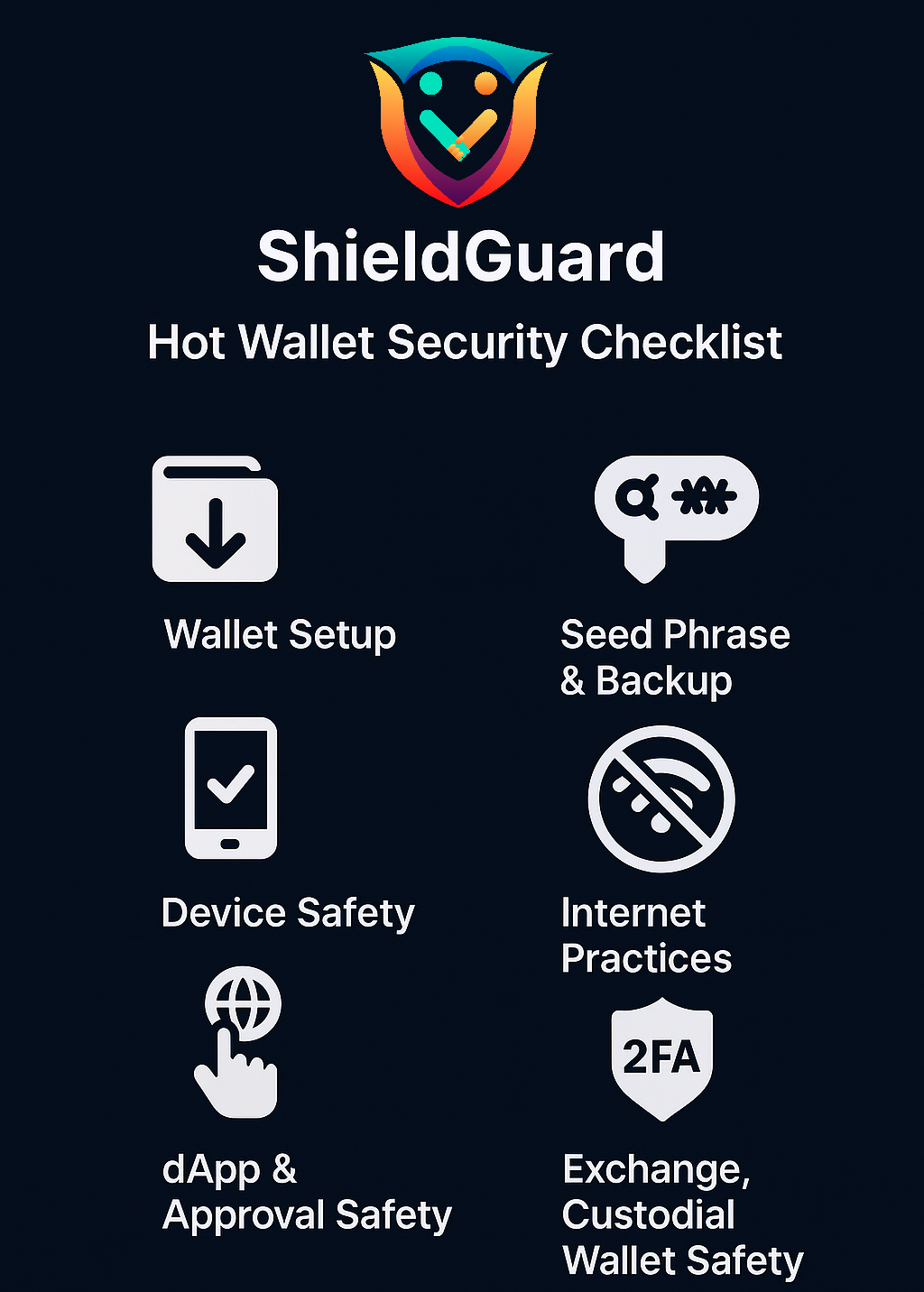
Best Practices for Hot Wallet Security
 Best Practices for Hot Wallet Security
Use Strong Authentication
Always enable 2FA (Google Authenticator, Authy, or hardware-based 2FA).
Avoid SMS-based 2FA.
Keep Software Updated
Regularly update wallet apps, browser extensions, and operating system.
Outdated software is the #1 entry point for hacks.
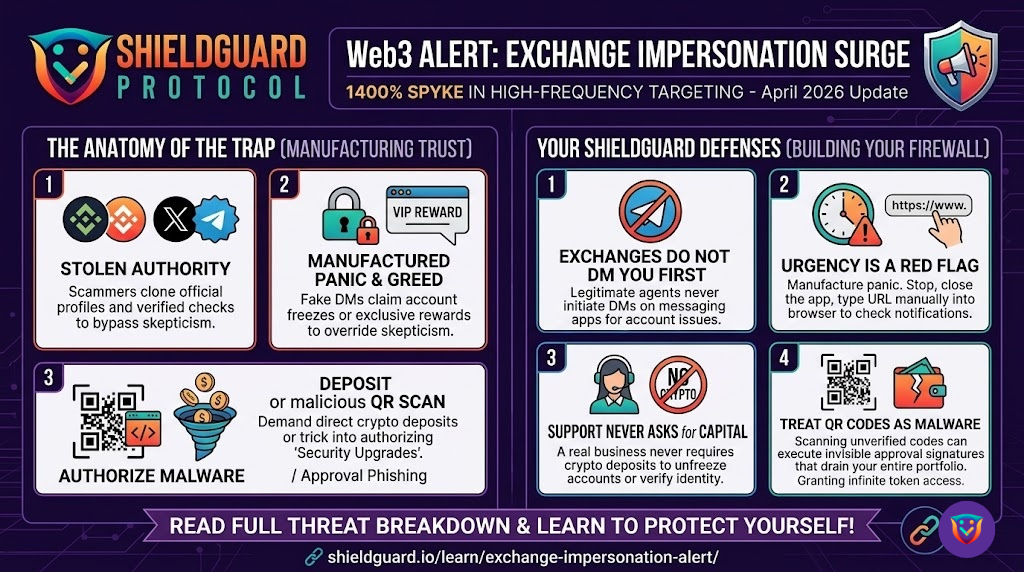
Beware of Phishing Links
Only download wallets from official sites/app stores.
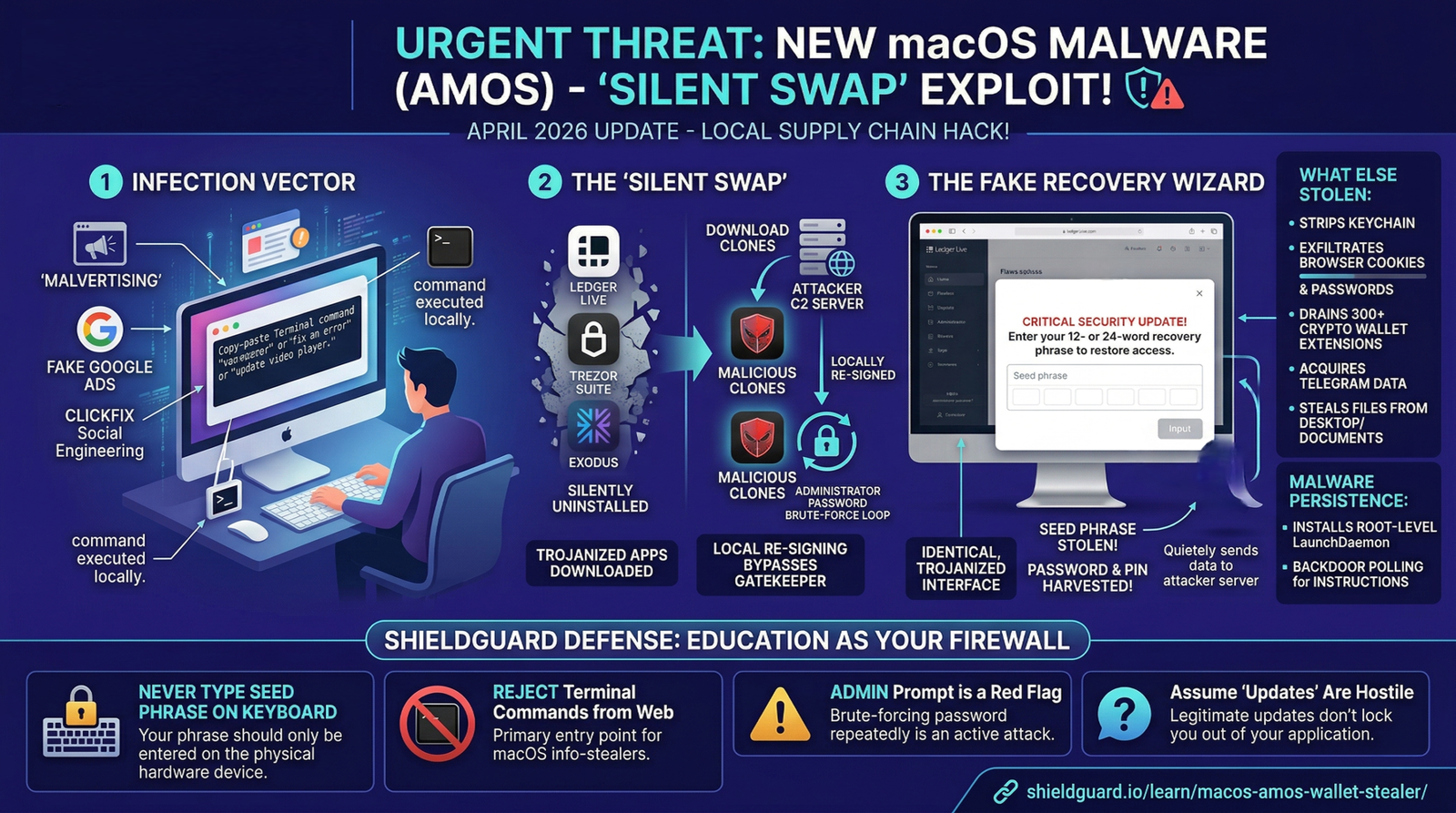
Double-check URLs before entering private keys or seed phrases.
Never Share Your Seed Phrase
Store your seed phrase securely offline (paper or encrypted cold storage).
Never save it in cloud storage, email, or screenshots.
Limit Wallet Exposure
Use hot wallets only for small, daily-use funds.
Keep your main holdings in a hardware wallet.
Secure Your Devices
Use antivirus, firewall, and strong device passwords.
Avoid public Wi-Fi when accessing wallets.
 At ShieldGuard, we believe in empowering users with secure practices.
 For maximum safety, always prioritize cold storage solutions (hardware wallets).
🔗 For more guidance: ShieldGuard Security Portal