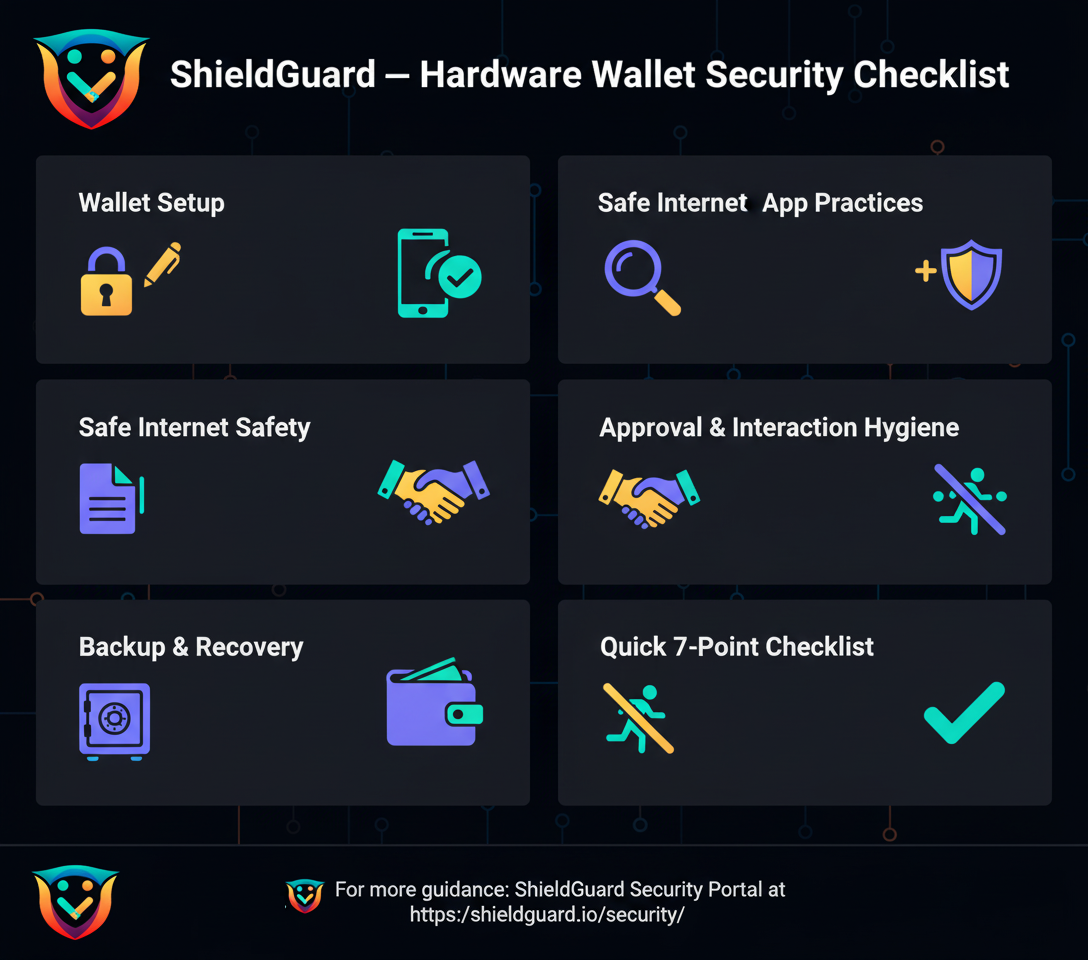
🛡️ ShieldGuard — Hardware Wallet Security Checklist
1. Wallet Setup
Buy hardware wallets only from official vendors.
Generate your seed phrase offline on the device.
Write your seed on metal backup plates (avoid photos, screenshots, or storing on cloud).
Use a strong PIN and, if supported, add an extra passphrase (25th word).
2. Device & App Safety
Always confirm transaction details on the hardware device screen before approving.
Keep wallet firmware and apps updated via official channels only.
Never enter your seed phrase on websites, apps, or computers.
3. Safe Internet Practices
Bookmark official exchange/dApp URLs; never click unknown links.
Verify contract addresses on trusted explorers (Etherscan, BscScan).
Use a dedicated browser or phone for crypto activities.
Enable 2FA (Authenticator app, not SMS) on exchanges and wallets.
4. Approval & Interaction Hygiene
Avoid “unlimited approvals” when using DeFi dApps.
Regularly review and revoke old token approvals using trusted tools (e.g., revoke.cash).
Only interact with audited or well-reviewed projects.
5. Backup & Recovery
Store seed backups in two safe locations (fireproof safe, safety deposit box).
Test your recovery process with a spare device before holding large amounts.
Inform one trusted family member about how to recover funds in case of emergency.
6. Everyday Habits
Never share private keys, 2FA codes, or seed phrases — not even with “support teams.”
Double-check wallet addresses — use QR codes or verified address books.
Avoid public Wi-Fi when transacting; use VPN if needed.
Don’t keep large amounts on hot wallets or exchanges — use hardware wallet storage.
7. Incident Response (If You Suspect Compromise)
Disconnect immediately — stop all activity on the device.
Move remaining funds to a new hardware wallet with a fresh seed.
Revoke token approvals via reputable tools.
Change all related account passwords (email, exchange, 2FA).
Keep transaction hashes/screenshots for record-keeping.
8. Quick 7-Point User Checklist (for daily reminders)
✅ Use a hardware wallet for savings
✅ Seed phrase offline, never digital
✅ 2FA on all accounts
✅ Bookmark trusted URLs
✅ Revoke unused approvals
✅ Avoid public Wi-Fi for transactions
✅ Test recovery before trusting device
🔗 For more guidance: ShieldGuard Security Portal