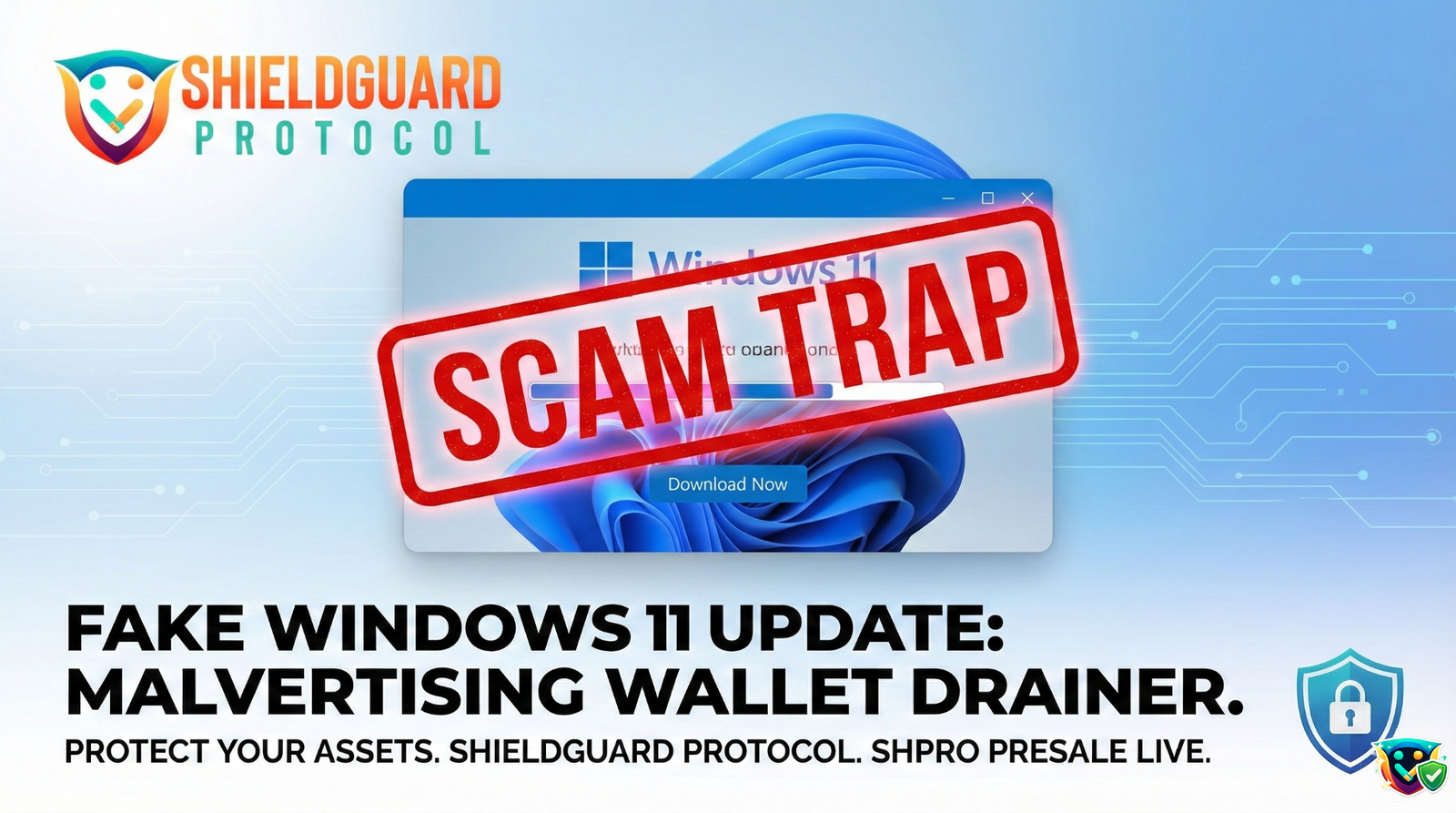
🚨 SECURITY ALERT: The “Windows 11” Facebook Malvertising Trap
Severity: Critical (Information-Stealing Malware) Active Vector: Paid Social Media Advertisements (Facebook) Target: Desktop Users, Browser-Based Crypto Wallets (MetaMask, Phantom, etc.)
Executive Summary
A massive, highly coordinated malvertising (malicious advertising) campaign is currently exploiting social media platforms to deliver advanced information-stealing malware to unsuspecting crypto users.
Attackers are purchasing heavily funded Facebook ads disguised as official Microsoft promotions for a “Windows 11 25H2 Update.” These ads lead to flawless, cloned Microsoft download pages. However, the “update” file is actually a vicious info-stealer (often variants of StealC, RedLine, or Arkanix). Once executed, this malware silently scrapes the victim’s device, specifically hunting for saved passwords, session cookies, and cryptocurrency wallet extensions.
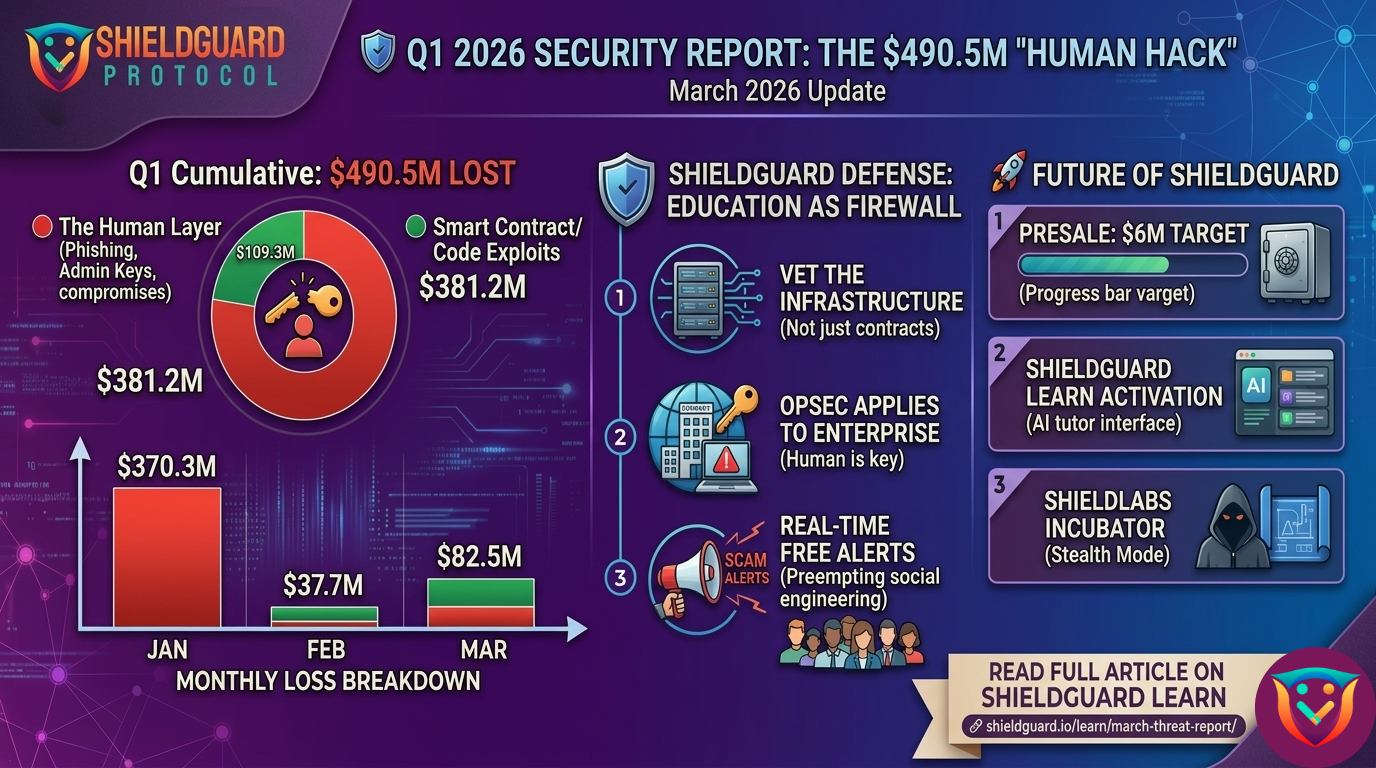
This attack proves a core ShieldGuard protocol truth: 90% of crypto hacks are human errors. The blockchain did not fail; the user simply trusted a highly polished Facebook ad.
The Anatomy of the Trap
To protect your treasury, you must understand exactly how these syndicates engineer the deception.
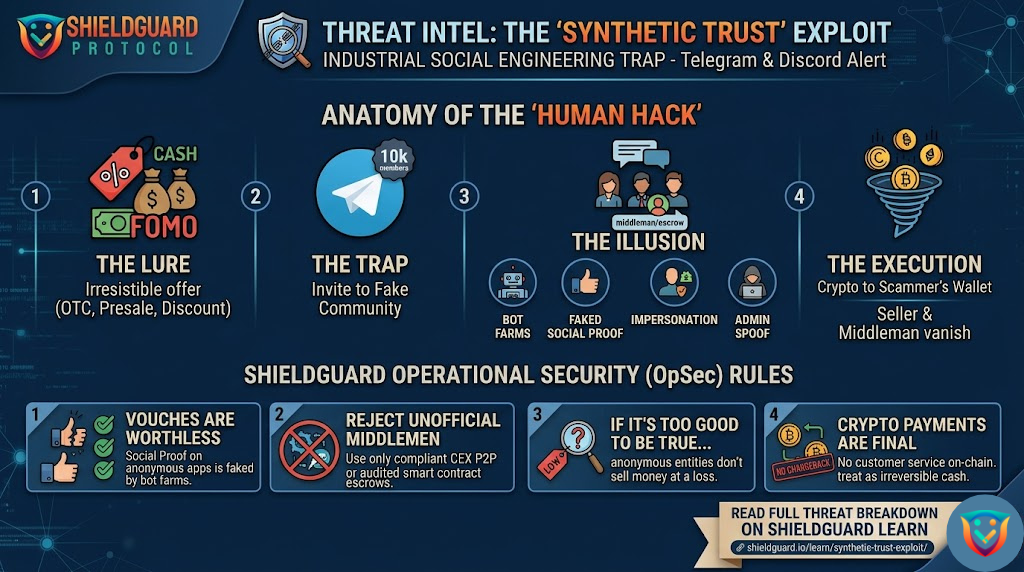
Stage 1: The Trust Vector (The Fake Ad)
The attack does not start in the dark corners of the web; it starts on your daily social media feed. The attackers run professional-looking Facebook ads utilizing stolen Microsoft branding. They create a false sense of urgency or convenience, prompting users to install a highly anticipated system update.
Stage 2: The Flawless Clone (The Landing Page)
Clicking the ad does not take you to microsoft.com. It routes you to a deceptive lookalike domain (e.g., ms-25h2-download[.]pro). The page is a 1:1 visual clone of the official Microsoft Software Download page, complete with identical fonts, layouts, and legal footers.
Note: These syndicates use advanced “geofencing” and IP filtering. If a security researcher or automated scanner visits the link, the page harmlessly redirects to Google. They only deliver the payload to actual retail users.
Stage 3: The Silent Execution (The Info-Stealer)
When the victim clicks “Download Now,” they receive an installer. Executing this file does not install Windows 11. Instead, it deploys a sophisticated info-stealer that immediately goes to work in the background. It is designed to target:
- Chromium & Firefox Databases: It decrypts and steals all saved passwords, autofill data, and active session cookies.
- Crypto Wallet Extensions: It actively scans
%\Local Extension Settings\%for over 50+ Web3 wallets, including MetaMask, Phantom, Trust Wallet, and Coinbase Wallet. - Desktop Wallets: It hunts for local installations of Electrum, Exodus, and Bitcoin Core.
Stage 4: The Drain
The malware packages your encrypted vault data, seed phrases, and session tokens into a .zip file and silently transmits it to the attacker’s Command and Control (C2) server. From there, the attackers import your wallet data into their own browsers, bypass your local passwords, and drain your funds across all chains.
🛡️ ShieldGuard Preventive Education: The Defense Protocol
You cannot rely on antivirus software alone to catch zero-day info-stealers. Your operational security must be your primary shield. Memorize these rules:
1. Social Media is Not a Software Repository Never, under any circumstances, download software updates, crypto wallets, or trading tools from a social media advertisement. Legitimate tech giants do not push core OS updates through sponsored Facebook posts.
2. Verify the Source Domain Always check the URL. If you need a Windows update, go to your native PC settings (Settings > Windows Update). If you are downloading a Web3 wallet, type the official domain directly into your browser or verify the link through the project’s official, verified X (Twitter) account.
3. Compartmentalize Your Crypto Do not use your primary daily-browsing PC for high-value crypto storage.
- Cold Storage: Keep the majority of your net worth on a hardware wallet (Ledger, Trezor, Keystone) that requires physical confirmation to sign transactions.
- Dedicated Devices: If you must interact with high-frequency DeFi, consider using a dedicated, clean device solely for that purpose, free from casual web browsing and social media apps.
4. Stop Saving Passwords in Your Browser Info-stealers thrive on convenience. Disable your browser’s built-in password manager and transition to a secure, standalone password manager that requires a master password to unlock your vault.
The real crypto threat isn’t the code; it’s you without education. Stay vigilant. Verify everything. – The ShieldGuard Security Team