Alert: The “Seeker” ($SKR) Token Swarm (Protecting Yourself from Launch Copycats)
Category: ShieldGuard Learn / Scam Prevention & Education
Risk Level: 🔴 High / Active Now
The Context
Today marks a major event in the Solana ecosystem: Solana Mobile has officially launched its native token, Seeker ($SKR), as an airdrop for owners of the new Seeker smartphone.
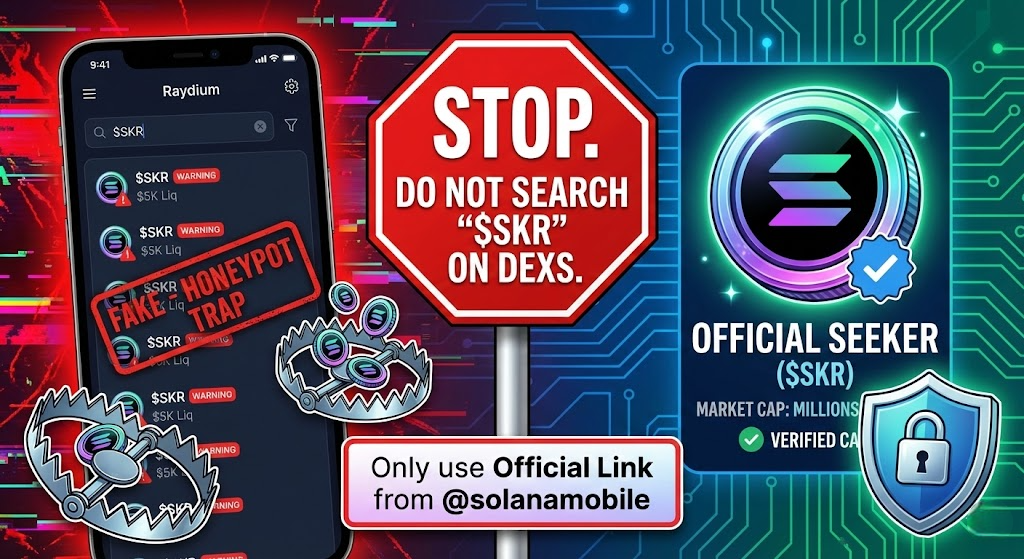
Whenever a high-profile “Official” token launches, scammers immediately flood Decentralized Exchanges (DEXs) with hundreds of fake tokens using the same ticker symbol to trick eager traders.
The Threat: “Ticker Squatting”
In the last 6 hours, our scanners have detected dozens of Fake $SKR tokens launching on Raydium and Pump.fun.
- The Trap: Scammers know users will search for “SKR” on DEXs to buy the token early.
- The Deception: Because anyone can create a token named “$SKR” on Solana for a few cents, these fake tokens look identical to the real thing at first glance.
- The Result: Users buy the fake token, only to realize later it is a Honeypot (unsellable) or that the developer pulls the liquidity (“Rugs”) minutes later.
How to Distinguish Real vs. Fake ($SKR)
The real Seeker token has specific on-chain traits that fakes cannot copy.
1. Market Cap & Liquidity
- Real $SKR: Has a market cap in the tens of millions (currently ~$60M – $70M) and deep liquidity.
- Fake $SKR: Usually has a low market cap (<$100k) and very thin liquidity (<$50k).
Rule of Thumb: If you see an $SKR token with $10k liquidity, it is a scam.
2. The Contract Address
- Real $SKR: You must verify the contract address only through official sources.
- Official Source: The official Solana Mobile X account (@solanamobile) or the token claim portal inside the Seeker phone.
3. The Platform
- The real airdrop is claimed via the Seed Vault Wallet on the physical device. Be extremely suspicious of any “Web Claim Portal” links shared in Telegram groups or X comments—these are likely wallet drainers.
ShieldGuard Verdict: Action Plan
To stay safe during this launch:
- Stop Searching: Do not search for “SKR” on DEX Screener or Birdeye. You will mostly find fakes.
- Verify the CA: Copy the Official Contract Address (CA) from the Solana Mobile website or their verified X account before you trade.
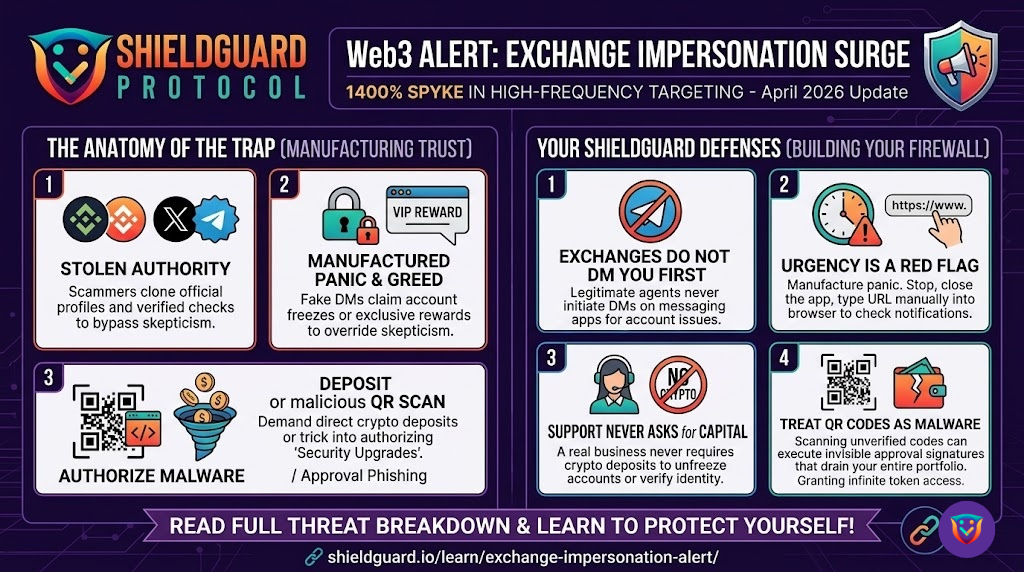
- Ignore DMs: Support teams will never DM you a link to “Claim your SKR.”
Join ShieldGuard for Real-Time Scam Alerts