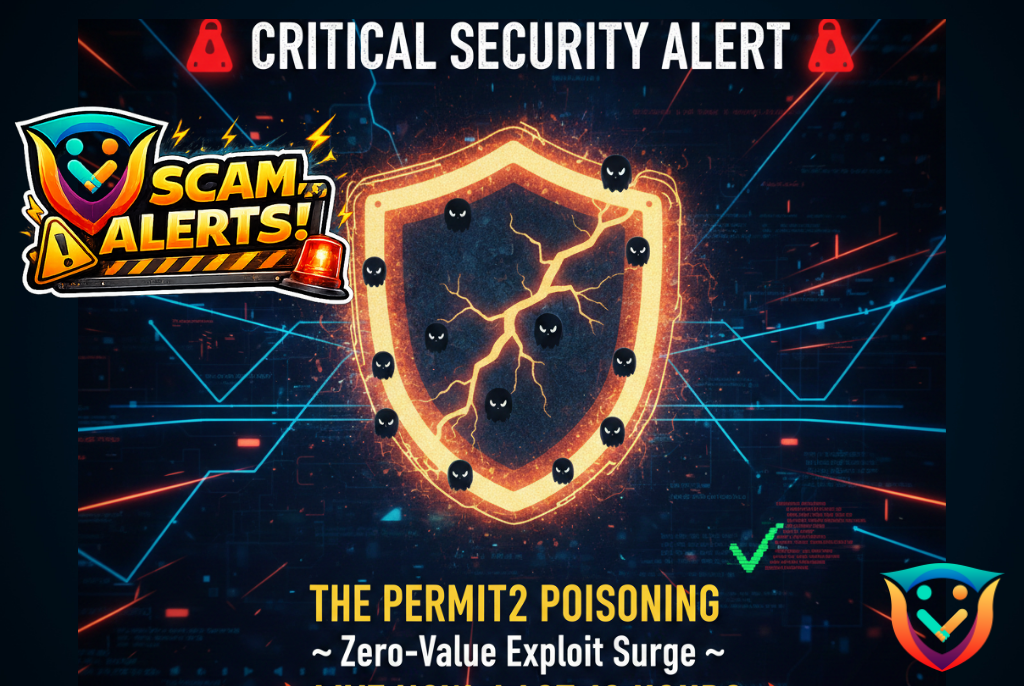
Scam Alert: The “Permit2” Approval Poisoning Surge
Status: CRITICAL
Primary Vector: Address Poisoning + Malicious Permit2 Signatures
1. The Incident Overview
Over the last 16 hours, ShieldGuard Intelligence has detected a spike in a sophisticated hybrid attack. Unlike traditional “Address Poisoning” which hopes you copy the wrong address, this new variant uses “Zero-Value” transfers to bait users into a malicious dApp environment to sign a Permit2 approval.
The Scale: Forensic data from early February 4th suggests that “Permit and Permit2” exploits now account for nearly 38% of large-scale phishing losses, as attackers pivot away from simple transfers to long-term “approval” theft.
2. Anatomy of the Attack
- The Bait (Zero-Value Poisoning): Attackers use a “Vanity Address” generator to create a wallet that matches the first and last 6 characters of your own. They then send a $0 transaction to your wallet. This puts the “Poisoned Address” at the top of your transaction history.
- The Trap (The Malicious dApp): Thinking you are interacting with your own safe history or a familiar protocol, you are lured to a site that looks like a legitimate DeFi dashboard (Uniswap, PancakeSwap, etc.).
- The Kill (The Permit2 Signature): Instead of asking for a direct transfer, the site requests a Permit2 signature. This is an off-chain signature that doesn’t cost gas but gives the attacker a “blank check” to move your tokens later—even if those tokens are currently staked or locked in other dApps.
3. Why This Is Highly Dangerous
Traditional “Approvals” are visible on-chain. Permit2 approvals are often handled internally within protocols, making them harder for standard “Revoke” tools to see if they aren’t specifically looking for EIP-2612 or Permit2 signatures. This allows attackers to wait for a “market pump” to drain your wallet when it’s at maximum value.
🛡️ Preventive Guidelines: The ShieldGuard Protocol
To immunize yourself against the poisoning spike reported today, follow these rules:
Rule #1: Ignore Your Transaction History
Never copy a wallet address from your transaction history. Attackers rely on your eyes only checking the first and last few digits. Always copy addresses from a verified “Whitelist” or your own password manager.
Rule #2: The “Signature Audit”
Before clicking “Sign” in your wallet (MetaMask, Rabby, or Phantom), read the technical data. If you see the word “Permit” or “Permit2” and you are not in the middle of a high-volume trade on a verified DEX, reject it immediately.
Rule #3: Use “ShieldGuard Verification” (Revoke Often)
Regularly use tools like Scam Sniffer or Revoke.cash to check for “Permit2 Authorization Management.” Look for any suspicious approvals that were signed in the last 24 hours and terminate them.
Rule #4: Address Masking
If your wallet allows it, enable “Hide Zero-Value Transactions.” This prevents the “Poisoned” address from appearing in your feed in the first place.
🔗 Join the Mission: Join Presale
🔗 Technical Blueprints: https://docs.shieldguard.io/