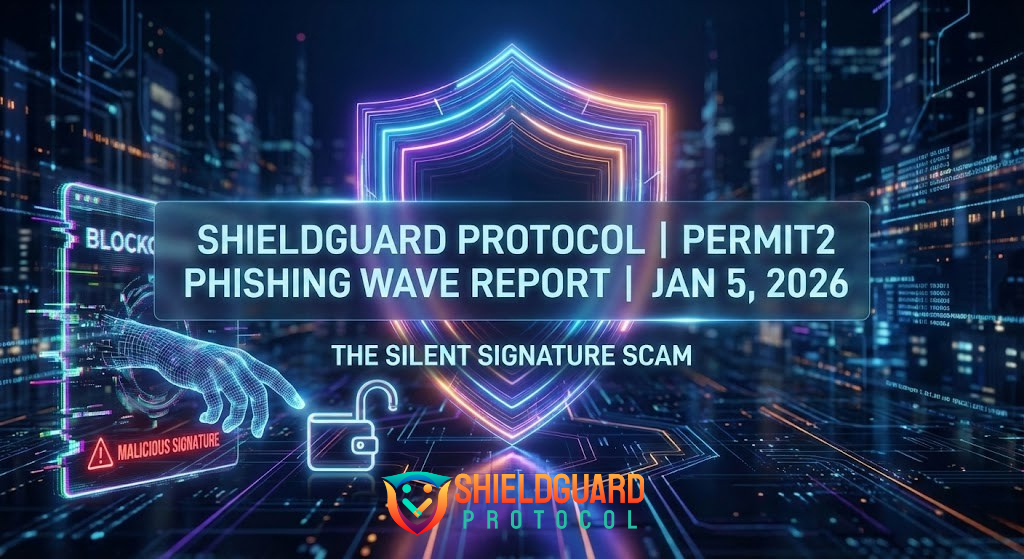
ShieldGuard Learn: The “Permit2” Phishing Wave – The Silent Signatures of 2026
The New “Silent” Threat
If you’ve been following the security reports from late 2025, you might have seen a comforting statistic: Total crypto phishing volume is down 83%.
Do not let that fool you. While the volume of “dumb” scams (like fake admin DMs) has dropped, the sophistication of attacks has spiked. The biggest threat to your wallet in Q1 2026 isn’t a transaction you send; it’s a signature you sign.
We call this the Permit2 Phishing Wave.
What is Permit2? (The Good Intention)
To understand the scam, you must understand the tool. Permit2 was a smart contract released by Uniswap to make trading cheaper and easier.
- Before Permit2: You had to pay a gas fee to “Approve” every single token before you could trade it.
- With Permit2: You approve the Permit2 contract once. After that, you just “sign” a message to trade. No gas fee, instant execution.
It was built for efficiency. But in 2026, scammers have weaponized it.
The “Login” Illusion
Here is how the attack works today:
- The Setup: You visit a website promising a “New Year Airdrop” or an “Exclusive NFT Mint.”
- The Trigger: The site asks you to “Login” or “Verify Wallet.” A popup appears in your wallet.
- The Trap: It asks for a Signature, not a Transaction. It looks harmless. It costs $0 in gas.
What you think you are signing: “I am the owner of this wallet.”
What you are actually signing: “I grant the scammer permission to move ALL my USDT using the Permit2 protocol.”
- The Drain: Once you sign, the scammer takes that digital signature, submits it to the blockchain themselves, and drains your wallet. You don’t even see a “Transaction Sent” notification until it’s too late.
How to Spot a Permit2 Scam
In 2026, you cannot just look for “Send ETH.” You must read the Signature Request.
🚩 RED FLAG 1: The “Permit” Keyword If you are just “logging in” to a website, the signature request should simply be a string of random letters or a coherent sentence like “I am logging into ShieldGuard.” If the signature data contains words like Permit, Spender, or Value, REJECT IT IMMEDIATELY. You are signing a transfer, not a login.
🚩 RED FLAG 2: The “Spender” Address Legitimate Permit2 requests (like from Uniswap) will list a verified Spender contract. Scams will list a random, unverified address. Always check the middle characters of the address (e.g., 0x123...abc...789), not just the start and end.
The ShieldGuard Protocol Solution
This is exactly why we are building the ShieldGuard Ecosystem.
⚠️ WARNING: You are about to give 0x89…b4 permission to take all your USDT. Do you want to proceed?
Your Action Plan for Today
Until our app launches in the coming months, you must be your own firewall:
- Audit Your Permissions: Go to tools like Revoke.cash or Etherscan and check your “Permit2” allowances.
- Revoke Idle Allowances: If you aren’t actively trading, revoke the permission. It costs a few dollars in gas but saves your entire portfolio.
- Never “Sign” to “Claim”: If a site asks for a signature to claim a free airdrop, it is 99.9% a scam.
Share this to save a wallet.  #ShieldGuard #CryptoSecurity #ScamAlert #Web3Safety