🚨 SECURITY ALERT: The “Google Support” 2FA Bypass
The Threat:
Your phone buzzes. It’s a “Google Verification Code.” Then it happens again.
Suddenly, your phone rings. Caller ID says “Google Support.”
A professional voice says: “We detected a login from Russia. We need to verify it’s you to lock the account. Please read the code sent to your device.”
STOP. You are being hacked in real-time.
How the Attack Works:
- The Bait: Hackers already have your email and phone number (likely from a database leak).
- The Panic: They spam 2FA requests to stress you out.
- The Social Engineer: They call you. They don’t need your password; they need the code only you can see.
- The Theft: Once you read that code to them, they log in, download your Google Drive data (looking for “Seed Phrase.txt”), and drain your wallets.
🛡️ ShieldGuard Defense Guidelines:
- Rule #1: Google NEVER Calls You.
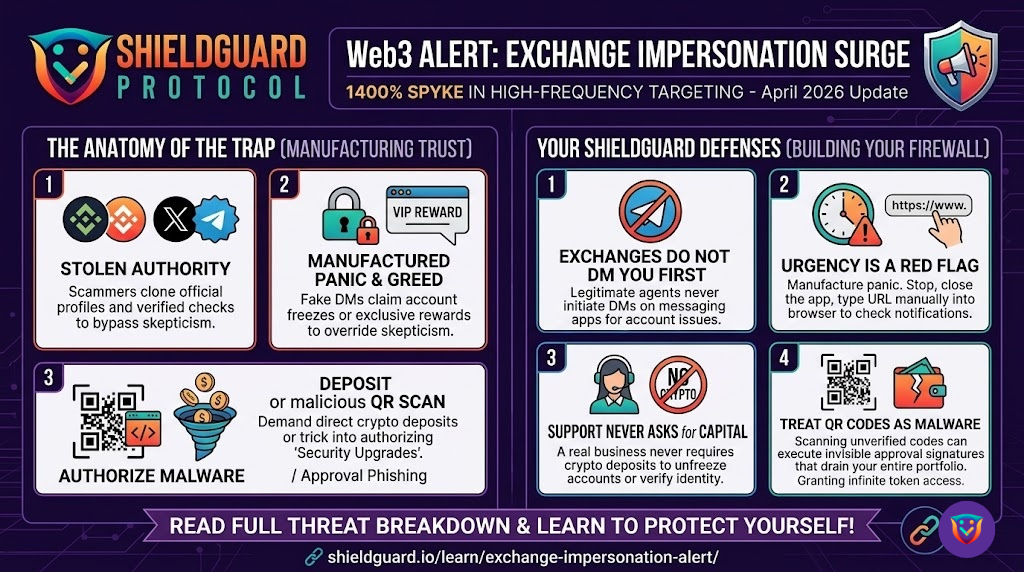
Google, Facebook, and Amazon will never call you to “verify” an account. If “Google” calls, HANG UP.
- The “Seed Phrase” Law:
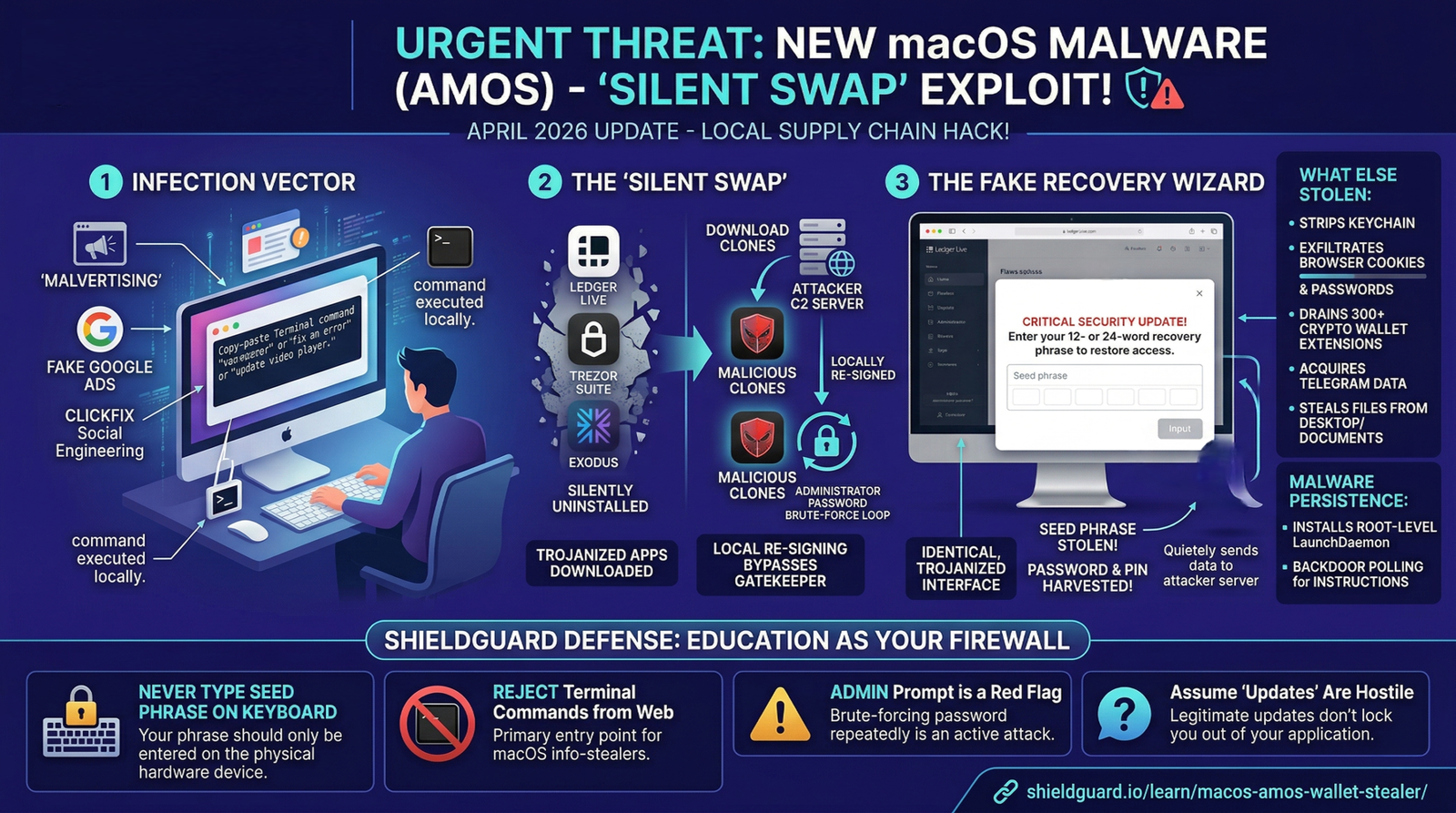
NEVER store your Ledger/Trezor seed phrase on anything connected to the internet.
No Google Docs. No Photos. No Email Drafts. No Password Managers.
Paper or Metal only. If it’s on the cloud, it’s already public.
- The “Recovery” Trap:
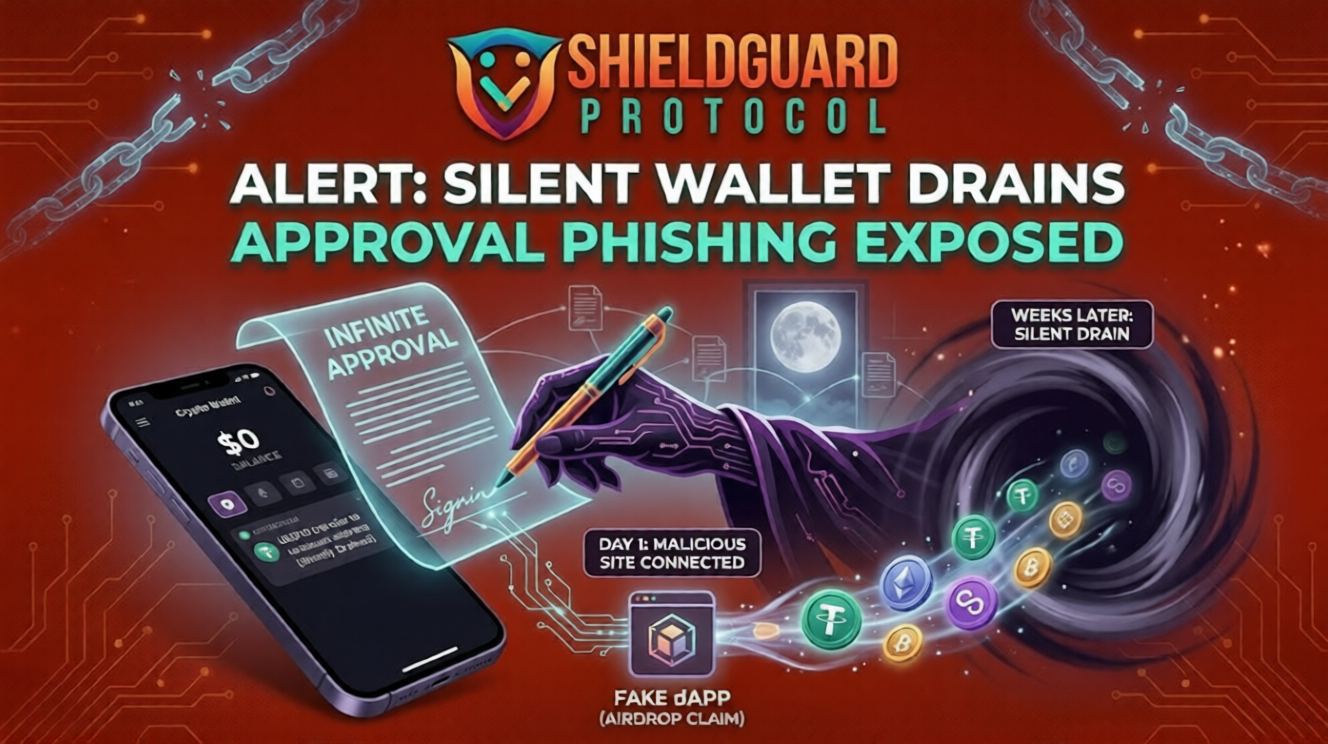
If you lost funds, do not trust “Recovery Agents” on Twitter/Reddit. They are scammers waiting to steal the rest of your money.
Action: File an IC3.gov report (FBI) and a local police report.3 This is primarily for tax write-off purposes, as retrieval is extremely unlikely.
⚠️ Lesson:
Your cloud account is not a vault; it is a glass house. If your digital life is breached, your physical backup (the seed phrase paper) is your only safety net.
Stay Shielded. Verify Everything.