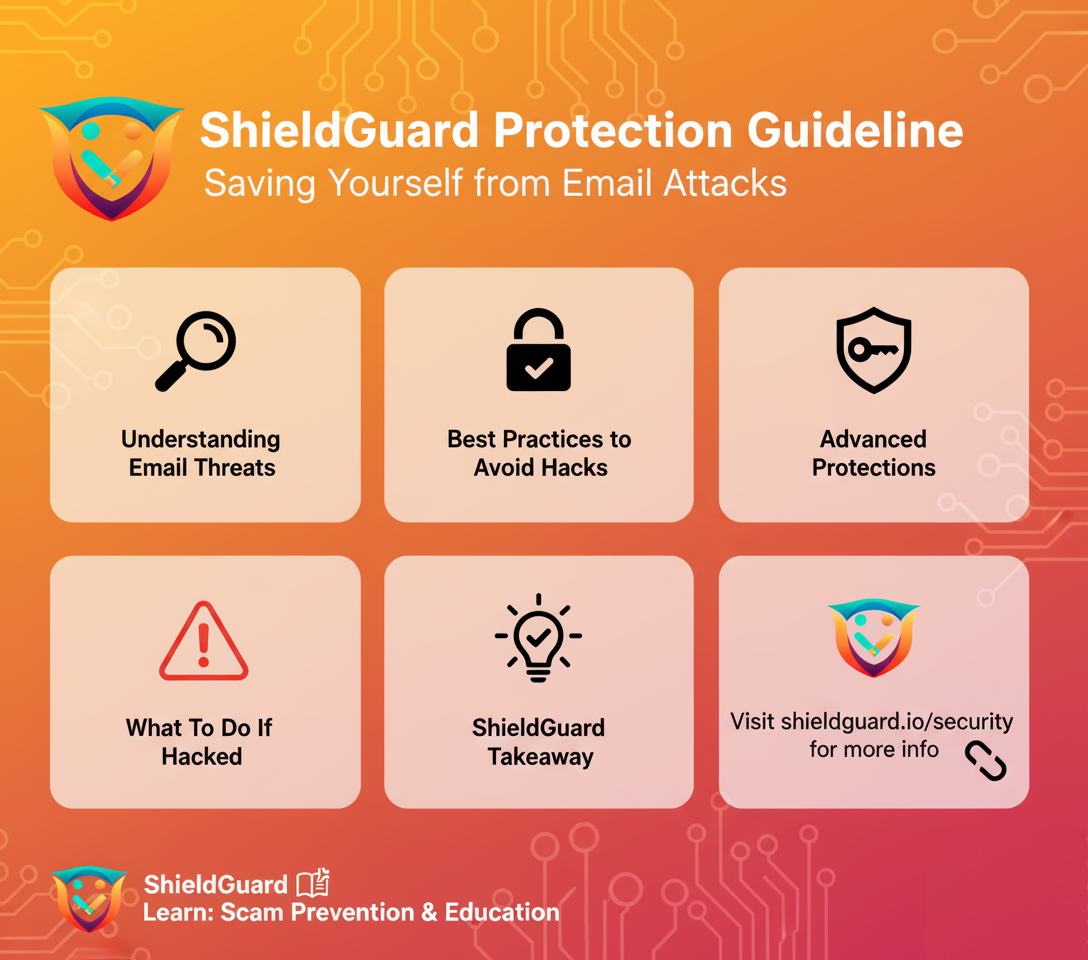
🛡️ ShieldGuard Protection Guideline
Saving Yourself from Email Attacks
Email remains one of the most common entry points for cybercriminals. Phishing, malware attachments, spoofing, and credential theft are widely used tactics to steal money, data, or access. ShieldGuard Protection outlines the key steps every user must follow to stay safe.
1️⃣ Understanding Email Threats
- Phishing Emails → Fake emails that trick you into clicking malicious links or sharing credentials.
- Spoofed Addresses → Attackers disguise their email to appear like it’s from a trusted source (e.g., your bank).
- Malware Attachments → Infected files sent as invoices, reports, or PDFs that install keyloggers or ransomware.
- Business Email Compromise (BEC) → Hackers impersonate company executives to request urgent money transfers.
2️⃣ Best Practices to Avoid Phishing & Email Hacks
🔒 Verify the Sender
- Always check the sender’s email domain carefully (e.g.,
@bank.comvs.@bánk.co). - Hover over links before clicking to reveal the actual URL.
🚫 Don’t Trust Urgent Calls-to-Action
- Be skeptical of emails that say: “Your account will be suspended,” “Pay immediately,” or “Confirm your password now.”
- Attackers create panic to force quick action.
📎 Beware of Attachments
- Never download attachments from unknown senders.
- If it’s from a colleague but looks unusual → call them to verify.
🔐 Enable Two-Factor Authentication (2FA)
- Protect your email account with 2FA (Google Authenticator, Authy, YubiKey).
- Even if your password is stolen, hackers can’t log in without the second factor.
🛡️ Use Email Security Tools
- Activate spam filters and phishing detection in Gmail, Outlook, or your email provider.
- Use anti-malware and anti-virus software with email scanning.
🔑 Strong Password Hygiene
- Use unique, complex passwords for your email.
- Never reuse your email password on multiple platforms.
- Store credentials in a password manager (e.g., Bitwarden, 1Password).
3️⃣ Advanced Protections
- Email Encryption → Use PGP/GPG or end-to-end encrypted providers (ProtonMail, Tutanota).
- Custom Domain Security → If you run a project, enable SPF, DKIM, and DMARC records to protect users from spoofing.
- Security Awareness Training → Regularly train team members to spot phishing and verify suspicious messages.
4️⃣ What To Do If You Suspect an Email Hack
- Immediately change your password and enable 2FA.
- Log out of all devices from account settings.
- Scan your system for malware.
- Report phishing emails to your provider (e.g., Gmail → “Report phishing”).
- Inform your network if hackers could impersonate you.
✅ ShieldGuard Takeaway:
Your email is the front door to your digital life. By practicing vigilance, using strong authentication, and avoiding suspicious links or attachments, you can shield yourself from most email-based scams.
 Stay informed with ShieldGuard Learn → ShieldGuard Protection. Knowledge is your shield!