🛡️ ShieldGuard Learn: Extortion & The “Sextortion” Panic
Category: Social Engineering / Phishing
Risk Level: 🔴 CRITICAL (High Psychological Impact)
Common Payment Demand: Bitcoin (BTC), Monero (XMR)
🚨 The Scenario: The “Hello Pervert” Email
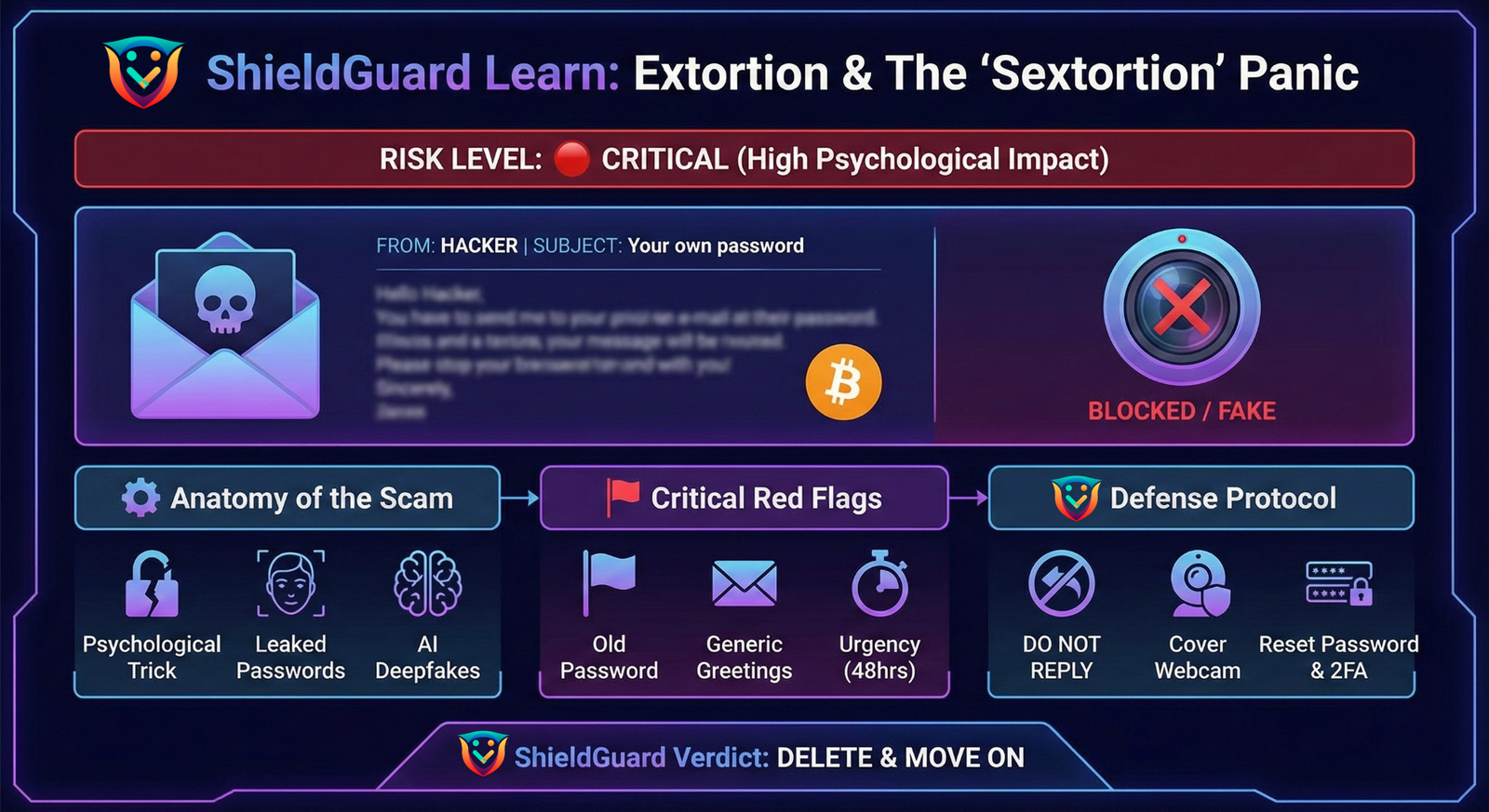
You open your inbox to an email with a terrifying subject line: Your own password.
The Message:
“I hacked your device 6 months ago using a Trojan. I have full control of your webcam. I recorded you visiting adult websites (split-screen video). If you don’t send $1,500 in Bitcoin to this address within 48 hours, I will send the video to all your contacts, family, and employer.”
They may attach a photo of your house (taken from Google Maps) or list your phone number to prove they are “watching”.
⚙️ Anatomy of the Scam: How It Works
This is rarely a hack. It is a psychological trick.
- The “Proof” (The Password): The scammer bought a database of old leaked passwords on the Dark Web. They didn’t hack you; they just found your email next to a password you used 5 years ago.
- The “Pegasus” Bluff: They claim to use high-tech spyware (like Pegasus or njRAT) to explain why your antivirus didn’t catch them. This is a lie.
- The 2025 Threat (AI Deepfakes): In modern attacks, they may attach a blurred image that looks like you. Often, this is an AI-generated deepfake created from your public social media photos to scare you into paying.
🚩 Critical Red Flags
- The “Old Password” Proof: If the email cites a password you haven’t used in years, it’s a “credential stuffing” scam, not a hack.
- Generic Greetings: “Hello User” or “Hello [Your Email Address]” instead of your name.
- The “Unstoppable” Claim: They claim they have recorded “everything” but offer no specific proof (like a specific filename or date), just vague threats.
- Cryptocurrency Only: They only accept Bitcoin or Monero because these are harder to reverse.
🛡️ ShieldGuard Defense Protocol
- The “Do Not Reply” Rule
NEVER reply to the email. Replying confirms your email is active and that you are panicked, making you a target for future harassment.
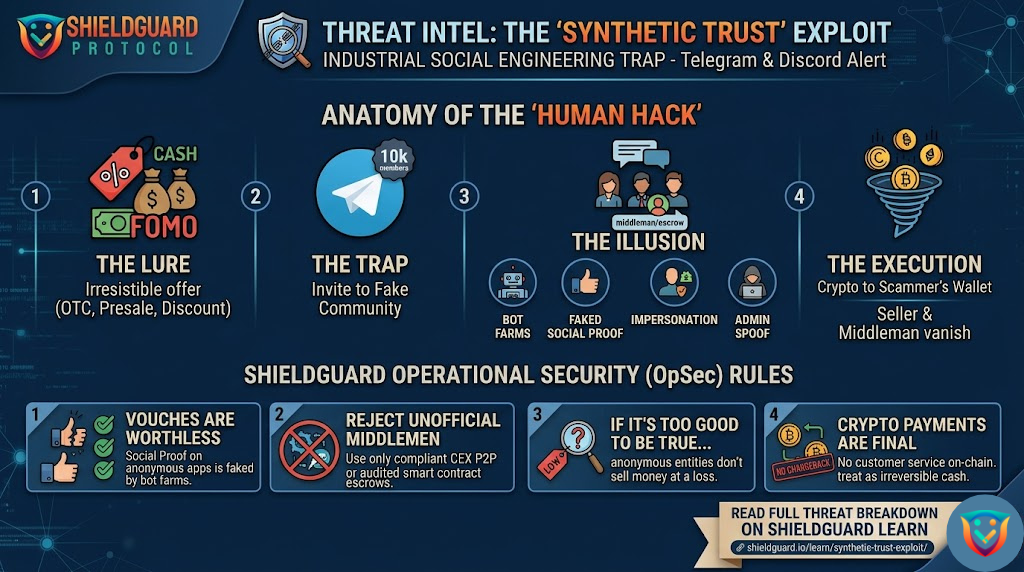
2. The “Cover & Check” Drill
- Physical: Put a sticker or physical cover over your webcam when not in use.
- Digital: Check HaveIBeenPwned.com. You will likely see the exact data breach where they got your password.
3. The Password Reset
If the email cites a password you still use, change it immediately on every site. Enable 2-Factor Authentication (2FA) everywhere.
4. For Deepfake Threats:
If they send an AI image of you:
- Do NOT Pay: Paying funds the criminal activity and they will often ask for more.
- Report: Contact the FBI (ic3.gov) or your local cybercrime division immediately.
ShieldGuard Verdict: The “hacker” is likely a script-bot sending 10,000 emails a day. They didn’t record you. Delete the email and move on.
ShieldGuard Protocol: protecting your assets through education and transparency.