🚨 SCAM ALERT & EDUCATION: “Glic Jack” – How Malicious Extensions Hijacked Chrome’s Gemini AI
The evolution of the web browser is creating unprecedented security blind spots. We recently warned the community about the QuickLens supply chain attack, establishing our strict “Zero Extension” rule for crypto operations.
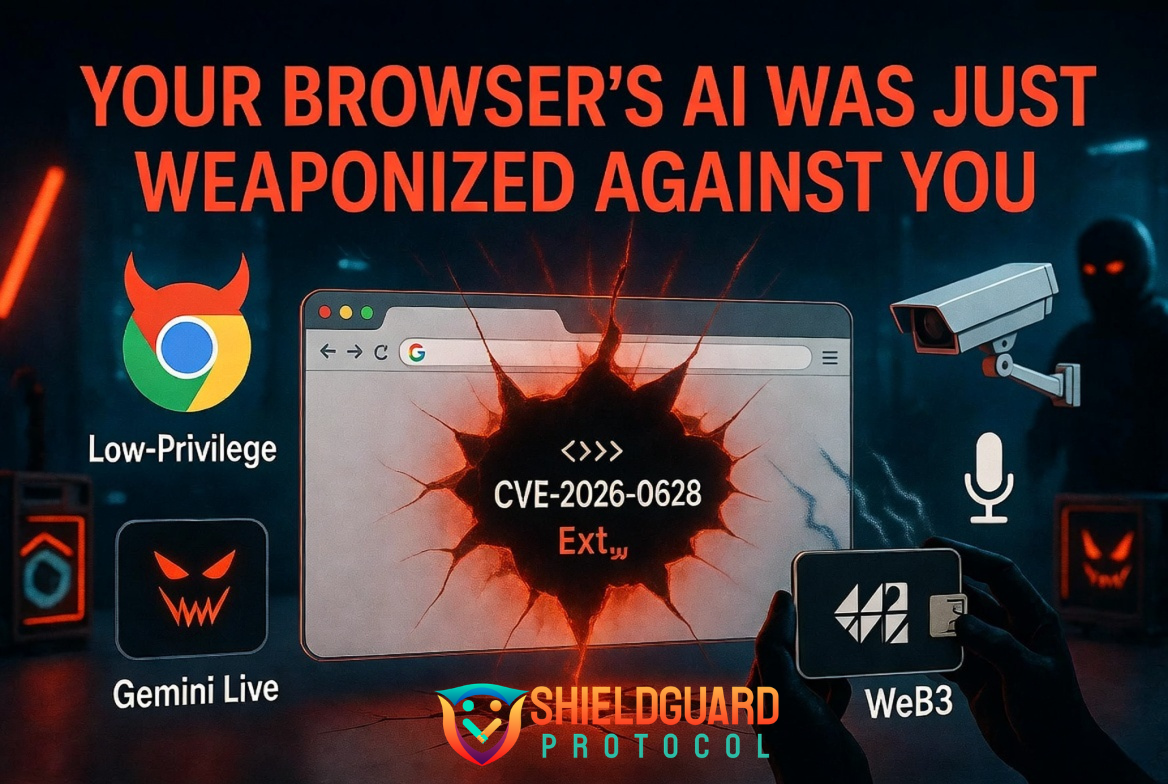
Now, a terrifying vulnerability—tracked as CVE-2026-0628 (CVSS 8.8 High Severity)—has proven exactly why that rule is non-negotiable. Cybersecurity researchers have confirmed a flaw that allowed basic browser extensions to hijack Google Chrome’s native AI assistant, transforming a helpful tool into a devastating surveillance and exfiltration weapon.
Here is the ShieldGuard Protocol breakdown of the “Glic Jack” (Gemini Live in Chrome hijack) vulnerability, why agentic AI creates massive Web3 risks, and how to protect your digital sovereignty.
The Incident: The “Glic Jack” Vulnerability
The push to integrate artificial intelligence directly into the browser has introduced “agentic capabilities.” To function, the Gemini “Live in Chrome” side panel is granted deep, privileged access to your system—it can read your screen, access local files, and use your camera or microphone to automate tasks.
- The Flaw: Chrome suffered from insufficient policy enforcement within its WebView tag.
- The Vector: Attackers realized they didn’t need to break into the Gemini infrastructure. Instead, if they convinced a user to install a seemingly harmless, low-privilege Chrome extension, that extension could use the
declarativeNetRequestAPI to inject malicious JavaScript directly into the privileged Gemini side panel (gemini.google.com/app). - The Execution: Once inside the Gemini panel, the rogue extension inherited all of the AI’s “God Mode” permissions. It could silently activate your microphone, take screenshots of your seed phrases on Web3 applications, and exfiltrate local files—all without ever triggering a new user consent prompt.
The ShieldGuard Angle: The Double-Edged Sword of AI Agents
This vulnerability represents a nightmare scenario for Web3 investors. When you load a decentralized exchange or open a software wallet, you assume you are operating in a secure, encrypted tunnel.
However, if your browser has an embedded AI agent, and that agent is hijacked by a malicious extension, the attacker doesn’t need to crack your wallet’s cryptography. They simply use the hijacked AI to take a screenshot of your private keys while you view them, or read the local cache files where your session data is temporarily stored.
This proves that as browsers become more intelligent, the attack surface expands exponentially. You are no longer just securing your code; you are securing the AI that watches your screen.
The Defense Protocol: Securing the Agentic Browser
Protecting your portfolio requires strict isolation.
1. Patch Immediately Google patched this specific vulnerability (version 143.0.7499.192) in early January 2026. Ensure your browser is fully updated. A pending update is an open door.
2. Enforce the “Zero Extension” Rule The “Glic Jack” required the victim to have a third-party extension installed. On your dedicated Web3 browser profile, install absolutely nothing except your verified crypto wallet. No exceptions.
3. Disable Unnecessary AI Panels If you are using a dedicated browser profile for financial operations, disable embedded AI side panels entirely for that specific profile. You do not want an autonomous agent with screen-reading capabilities active while you manage high-net-worth assets.